
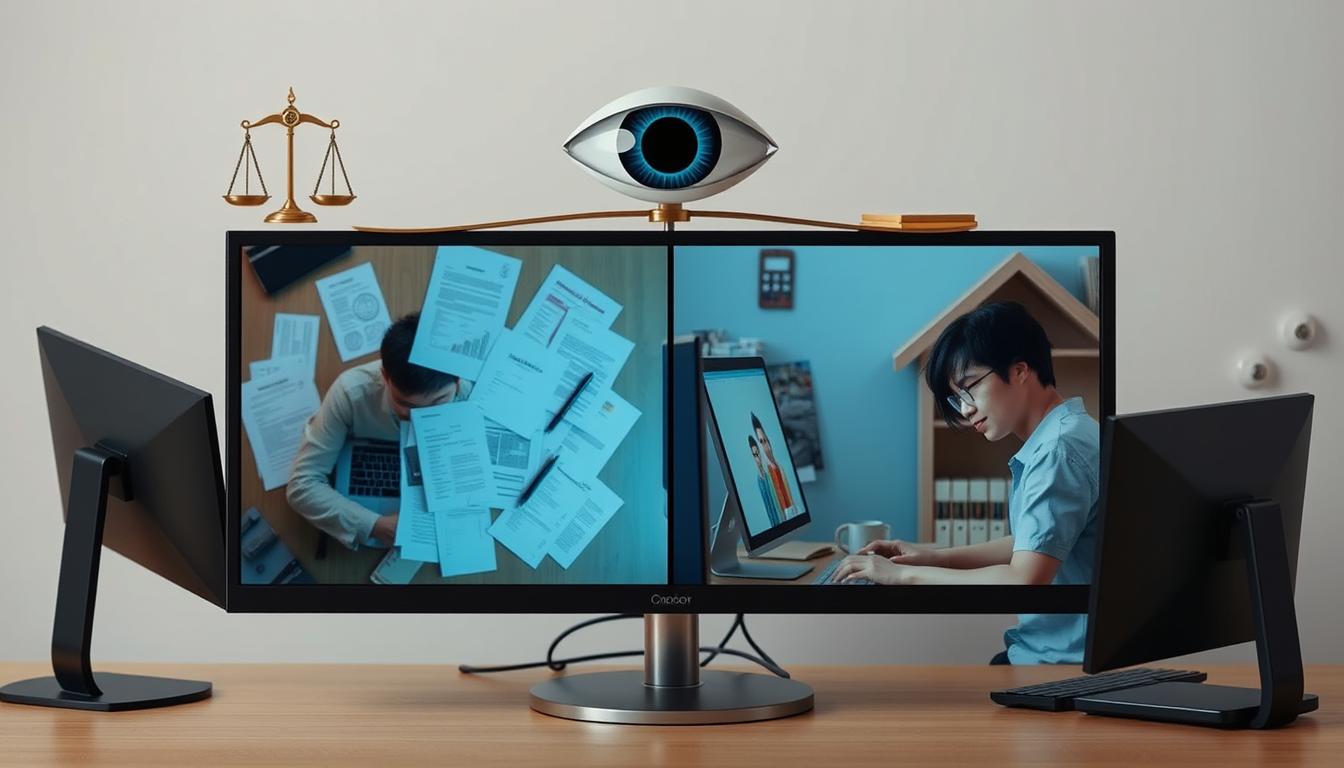
Did you know that laws about computer monitoring differ at work and at home? This affects your privacy and security. If you’re an employer or a parent, it’s key to know the legal limits and ethical thoughts.
We’ll explore the Electronic Communications Privacy Act (ECPA) and other key laws in this article. These laws help guide us through the tricky world of computer monitoring. By grasping these rules, you can find a balance between monitoring and privacy. Are you ready to learn about the laws that shape computer surveillance?
Quick Recommendation: Our blog is filled with tips and tricks on computer monitoring and content filtering tools that enhance the safety of computer users from cyber threats, both for families and employers. If you are seeking the best tools and methods, we recommend SENTRY PC.
Introduction to Computer Monitoring
In today’s digital world, computer surveillance is common in both work and personal settings. It’s important to know how and why people monitor computer use. This helps keep work productive, data safe, and follows the law.
Companies use tools like tracking software and internet logs to watch how employees use computers. This computer surveillance makes sure workers stay on task. It also protects company data and resources. But, it can make employees feel their privacy is being taken away.
You might be curious about how widespread this is. Many companies do some kind of workplace monitoring. This is becoming more common as technology gets better, making it easier for companies to watch over their employees.
The good things about workplace monitoring are clear. But, there’s a risk of misuse and losing personal privacy. Groups like the Electronic Frontier Foundation talk about these privacy concerns. They push for ways that protect both companies and individuals.
Understanding the balance between computer surveillance and privacy concerns is key. It makes sure new tech helps everyone. We’ll look into why companies monitor computers, the laws around it, privacy rights, and how employers can be fair and safe.
Why Monitor Computers?
In today’s digital world, keeping an eye on computers is crucial for many reasons. Companies use security measures to shield sensitive data from cyber threats. By watching network activities, they make sure their data stays safe and their ideas are protected.
Monitoring computers also helps track productivity. Employers can see how well their employees are doing and find ways to improve. This helps create a more efficient work place and boosts productivity.
For families, monitoring computers is key to keeping kids safe online. Parents use tools to watch over their children’s internet use. This helps keep them away from harmful content and keeps them safe.
Legal Framework for Computer Monitoring at Work
Employee monitoring laws can be complex for employers. In the U.S., there are rules about how and when you can watch what employees do. The Electronic Communications Privacy Act (ECPA) sets the rules for legal surveillance.

Quick Recommendation: Our blog is filled with tips and tricks on computer monitoring and content filtering tools that enhance the safety of computer users from cyber threats, both for families and employers. If you are seeking the best tools and methods, we recommend SENTRY PC.
It’s important to know about consent rules. As an employer, you must tell your employees about how you watch them. Being open helps meet legal requirements and builds trust in your company.
There are more laws and guidelines from government agencies too. For example, employees must know about and agree to monitoring, especially if it includes personal messages or data. Make sure your monitoring policy follows all these rules to stay out of legal trouble.
Employee Privacy Rights
Knowing your privacy rights at work is key. Companies watch over employees to boost productivity and security. But, you have legal shields to protect you. It’s important to know where your rights stand and make sure they’re respected.
Federal and state laws, like the Electronic Communications Privacy Act (ECPA), protect you from electronic monitoring. But, these laws can differ. If a company tells you upfront that computers will be watched, you might not have as much privacy as you think.
Recent legal battles, as seen in the Employment Law Handbook, stress the need for clear company rules. For example, the Smyth v. Pillsbury Co. case shows courts often side with employers if they’re open about monitoring.
Privacy groups underline the need for policies that balance security with your privacy. To protect your rights, keep up with your company’s rules. If you have questions or concerns, talk to HR or legal help.
Best Practices for Employers
When thinking about computer monitoring at work, being open and ethical is key. Start by implementing monitoring policies that are clear and shared with your team. These policies should explain why monitoring is needed and what data will be collected.
Ethical guidelines are very important. To gain trust, make sure your policies follow existing ethical guidelines and industry standards. This reduces privacy concerns and creates a respectful workplace. Always look to HR best practices and cybersecurity experts to improve your methods.
Getting employee consent is a vital step. Tell your employees about the monitoring before it starts and make sure they agree. This makes sure they know and support the policy, lowering legal risks and building a transparent work culture.
After setting these basic steps, keep checking and updating your policies. This is to keep up with new laws and tech changes. Doing this keeps your practices useful and effective.
Understanding the Legal Aspects of Computer Monitoring at Home
Monitoring personal computers at home has legal rules to follow. Workplaces have clear rules, but homes have different laws that change by state. It’s important to know how watching your own computer affects your privacy at home.
Privacy laws vary by state, some giving more protection, others less. For instance, California has strong privacy laws that cover personal computer use and home network security. This ensures your rights are protected as technology changes.
It’s said that everyone in the house must know if they’re being watched. This isn’t just good advice; it’s the law to avoid breaking privacy laws. These laws help protect family members from being watched without their okay, balancing security with freedom.
Home cybersecurity guides stress the need to keep your home network safe without breaking the law. While keeping your network secure is key, using surveillance tools must be careful. Knowing your state’s laws helps you use computer monitoring legally.
Parental Monitoring of Children’s Computers
In today’s digital age, keeping kids safe online is a big responsibility for parents. It’s key to protect them from dangers but also respect their privacy. Finding this balance is tough, especially with the legal age for privacy and parental control software.
The Child Online Privacy Protection Act (COPPA) sets rules for monitoring kids’ online actions. It says kids under 13 need a parent’s okay before sharing data online. This law shows the need to keep kids safe online while also giving them space as they grow.
Parental control software is key in making the internet safer for kids. It lets you watch what they do online and block bad stuff. Guides on digital supervision suggest giving kids more freedom online as they get older. This helps them learn to use the internet wisely.
When picking parental control software, look at reviews and features that fit your family’s needs. Good software should let you set up custom rules, get alerts in real-time, and see reports on your child’s internet use. Knowing about these tools helps you keep your kids safe online while also respecting their privacy as they get older.
Spousal Monitoring: Legal and Ethical Issues
In today’s digital world, spousal monitoring is a complex topic. It’s about finding a balance between privacy in marriage and dealing with issues like infidelity. The laws on this topic vary a lot, so it’s important to know the legal and ethical sides.
Digital spying on a spouse can be tricky. Legal experts say there must be clear rules. Without consent, what’s okay can quickly become illegal.
Court cases on spousal monitoring have different results. Judges look at if one spouse broke the other’s privacy rights. Articles on privacy talk about the need for both partners to agree. Monitoring without consent can hurt trust and even lead to legal trouble.
It’s key to know where to draw the line between protecting a marriage and respecting privacy. Getting advice from legal experts and looking at past cases can help. This way, you can make sure your actions are legal and right.
Impact of Computer Monitoring on Mental Health
Computer monitoring can deeply affect your mental health. It can make you feel stressed and anxious. You might also feel like your privacy is being invaded. The psychological effects of surveillance can hit you hard at work and at home, impacting your wellbeing.
Research shows that constant monitoring can raise stress and anxiety levels. It makes you feel like everything you do is being watched. This feeling is unsettling, whether you’re at work or at home.
At work, the effects of monitoring are huge. It can make you worry about privacy and trust. This can lower your morale and make you less productive. It can also lead to more people leaving their jobs or missing work more often.
At home, being watched by your partner or parents can strain your relationships. Not feeling trusted can cause a lot of emotional pain. It’s key to find a balance between safety and privacy to keep your relationships strong.
In the end, computer monitoring can really affect your mental health. Knowing how surveillance impacts you, including making you stressed and anxious, helps us find ways to lessen these effects. This can improve your mental health and make the workplace better for everyone.
Technology and Tools for Legal Computer Monitoring
Choosing the right tech for computer monitoring is key to staying legal. Surveillance software has grown a lot, offering strong ways to watch activities ethically and well. Tools like ActivTrak, Teramind, and Veriato lead the pack, with features that respect legal limits and value user consent.
Ethical monitoring apps do more than just watch; they focus on being open and respecting privacy. Apps like Hubstaff and InterGuard let employees know they’re being watched, building trust. They also have settings you can change to make sure only important data is tracked, showing how important keeping data safe is.
Data security tech works well with monitoring software to protect sensitive info. Using tools like Endpoint Protector and Digital Guardian keeps data safe and follows privacy laws. Experts in tech ethics and data privacy say it’s key to balance watching over things with respecting people’s rights.
In short, using the right tools and tech for legal computer monitoring makes a place safe, open, and follows the law. Whether it’s for work or home, these apps and tech help you watch over things in a responsible way.
Cases and Precedents in Computer Monitoring
The world of workplace surveillance has changed a lot because of landmark court decisions. One big case is City of Ontario v. Quon. The Supreme Court set rules on how much privacy workers have at work. This case helps guide future legal issues.
Outside work, courts have also set limits on watching people’s home computers. The Konop v. Hawaiian Airlines case is a prime example. It shows how tricky it is to balance privacy with security.
Another case, U.S. v. Ziegler, has shaped what surveillance is allowed in different situations, like criminal investigations. Experts often look at these cases to predict how laws might change.
Understanding computer monitoring means knowing about these key court decisions and ongoing legal battles. Keeping up with these cases helps you grasp the current laws and their effects.
Balancing Security and Privacy
Finding a balance between security and privacy is tough, especially when protecting sensitive info while respecting privacy rights. In work settings, it’s key to have security policies that keep data safe without taking away from employees’ privacy rights.
Companies can make policies better by listening to feedback from data protection and privacy events. It’s important to explain why some security steps are needed. This helps protect sensitive info and keeps the whole organization safe.
At home, balancing security and privacy is different. It might involve using parental control software or agreeing on computer monitoring with your partner. Always respect privacy rights while making sure to protect sensitive info.
There’s a big debate on security vs. privacy policies. Privacy International’s insights show we need a careful approach. By always checking our ways, we can make sure protecting data doesn’t harm privacy rights.
Conclusion
Our exploration of computer monitoring has shown us how vital it is to know the law. We started by explaining why monitoring computers is important and the laws that cover it. We looked at the rights of employees and the ethics of monitoring family members.
It’s all about finding a balance between security and privacy. Laws protect us but also require openness and ethical behavior. At home, we saw how monitoring can protect but also respect personal space. As technology grows, so will the ways we monitor legally.
The future of computer monitoring looks like it will bring more strict rules. Keeping up with new laws and policies is key to staying legal and respecting privacy. The world of computer monitoring is always changing, thanks to new laws and tech.
To wrap it up, knowing the legal side of monitoring keeps you on the right path. Keeping up with new rules helps you prepare for what’s next. The debate over security versus privacy will shape digital surveillance. So, keep looking for expert advice and studies to make smart choices.
Quick Recommendation: Our blog is filled with tips and tricks on computer monitoring and content filtering tools that enhance the safety of computer users from cyber threats, both for families and employers. If you are seeking the best tools and methods, we recommend SENTRY PC.